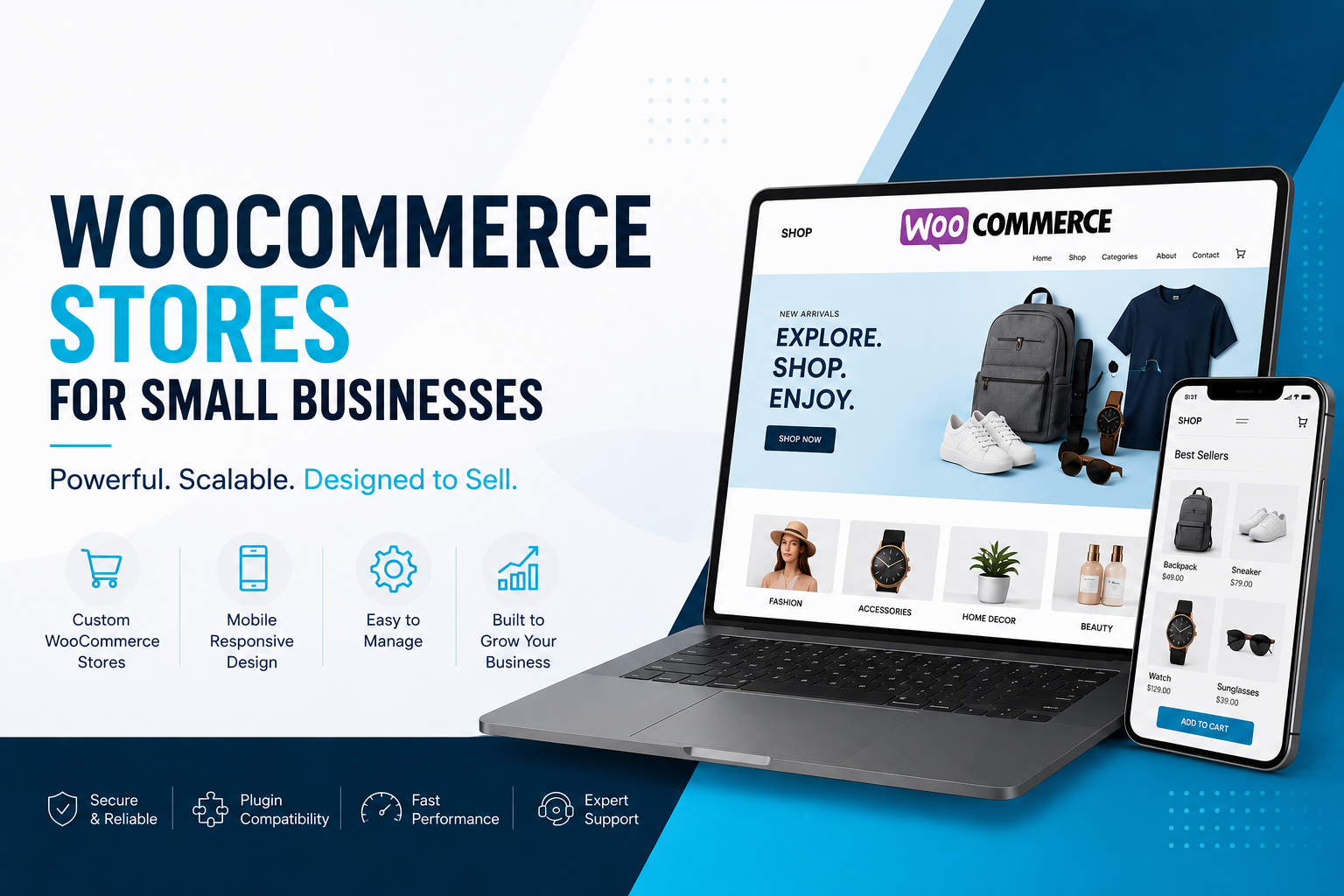
WooCommerce stores for small businesses can turn a useful website into a dependable sales channel, but only when products, payments, fulfillment, and customer support work together. This guide helps owners and operators make practical decisions before investing in an online store, whether they sell physical goods, bookings, subscriptions, or B2B products.
Short Summary
- Fit: WooCommerce works well when a business needs ownership and flexibility on WordPress.
- Planning: Product data, shipping rules, tax setup, and checkout requirements should be decided before design.
- Priorities: A fast mobile experience and straightforward operations matter more than decorative features.
- Delivery: Phased implementation reduces launch risk and gives teams time to validate real workflows.
- Next step: Define the minimum viable store, then build a roadmap for improvements after launch.
What WooCommerce Stores for Small Businesses Really Mean for Operators
For an operator, an ecommerce store is not simply a catalog with an Add to Cart button. It is a working system that must present the right products, calculate a credible total, collect payment safely, pass orders to the people who fulfill them, and give customers useful confirmation and support. When any one of those handoffs is unclear, the cost shows up as abandoned carts, manual corrections, delayed shipments, or avoidable service tickets.
 Operators map priorities before choosing a path
WooCommerce is the ecommerce platform built for WordPress. Its appeal is control: a business can shape pages, product structures, promotions, content, and integrations without being confined to a fixed storefront template. That control is valuable for companies with distinctive products or processes, but it also means decisions about hosting, extensions, maintenance, and governance cannot be ignored.
Start with the operating model, not the theme
Before selecting a design, document how an order moves from discovery to delivery. A local maker may need variants, pickup windows, and low-cost shipping. A wholesale supplier may need account approval, customer-specific pricing, purchase-order workflows, and a way for repeat buyers to reorder quickly. A service business may need deposits, scheduling, and clear policy language rather than a conventional inventory system.
The strongest WooCommerce stores make these choices visible to shoppers and manageable for staff. Product information should answer the questions customers ask before purchasing: what is included, who it is for, how long delivery takes, what the total cost will be, and how returns or changes work. If staff regularly answer the same questions by phone or email, the store content and workflow probably need attention.
Define the minimum viable store
A sensible first release focuses on the transactions that create the most value. That normally includes a carefully structured product catalog, search or filtering where it is genuinely helpful, a reliable cart and checkout, payment processing, order emails, basic analytics, and an administrative process the team can sustain. Advanced loyalty programs, complex bundles, marketplace feeds, and custom dashboards may belong on a later roadmap.
That approach protects small businesses from building a store that is impressive in a demo but hard to operate. It also gives leadership a clear way to evaluate scope: every feature should either help a qualified shopper buy, help the team fulfill an order accurately, reduce a meaningful risk, or provide information needed to improve the business.
Practical Benefits and Trade-Offs of WooCommerce Stores for Small Businesses
The primary benefits of WooCommerce for small businesses are ownership, flexibility, and a close connection to content marketing. Product pages can sit alongside buying guides, FAQs, case studies, and landing pages in one WordPress environment. That makes it easier to educate a customer before the purchase, support organic search visibility, and update the experience as the business learns what customers need.
 Comparing options against delivery constraints
WooCommerce also supports a broad ecosystem of payment, shipping, tax, booking, subscription, and inventory tools. The right combination can remove repetitive work. For example, a retailer may automatically send orders to a shipping system, while a B2B seller may route approved accounts to a different pricing experience. The benefit is not the number of plugins; it is a workflow that reduces exceptions.
Where the platform is a strong fit
- Businesses that already rely on WordPress and want their content and commerce experience in one place.
- Teams that need a tailored product model, such as configurable items, deposits, memberships, or wholesale access.
- Brands that want control over design, customer data, analytics, and their future technology roadmap.
- Operators willing to assign ownership for product updates, order handling, security updates, and performance reviews.
Trade-offs to assess honestly
Flexibility creates responsibility. Extensions must be chosen carefully, kept current, and tested after major WordPress, WooCommerce, payment, or hosting changes. A store with many overlapping plugins can become difficult to troubleshoot, slower on mobile devices, and more vulnerable to incompatibilities. A disciplined stack with documented reasons for each component is usually better than a feature-heavy stack.
Budget planning should include more than the initial build. Consider premium extension renewals, payment fees, managed hosting, security monitoring, backup storage, support, content maintenance, and periodic conversion improvements. Businesses that budget for ongoing care are better positioned to protect the revenue channel they have created.
Tip: Ask every vendor or internal stakeholder to name the business problem a proposed extension solves, the system it connects to, the recurring cost, and the fallback process if it fails. This simple test prevents unnecessary complexity.
Decision criteria that matter
Evaluate a WooCommerce approach against customer behavior and operational reality. Can customers find the right product on a phone? Does checkout show accurate shipping, taxes, and delivery expectations before payment? Can the team update products without developer help? Are backups, access controls, and updates part of the plan? Can reporting distinguish traffic, orders, refunds, and campaign performance?
Security deserves particular attention because checkout handles sensitive transactions. Payment providers can reduce the amount of card data a store handles, but owners still need strong administrator credentials, least-privilege access, timely updates, backups, and a response plan. The FTC small business cybersecurity guidance is a useful starting point for building everyday safeguards.
How Flexus approaches delivery
Flexus approaches ecommerce as a business process and customer experience project, not a template installation. Our team begins by identifying the sales goals, customer types, product data, internal roles, existing systems, and launch constraints that shape the store. That discovery work turns broad requests such as “sell online” into decisions a team can test and approve.
 Cross-functional delivery from design through build
As an Indianapolis-headquartered digital partner with U.S. + India delivery and 18+ years of experience, Flexus can bring strategy, design, development, and ongoing improvement into a practical working rhythm. The objective is a store your team can operate confidently, with technical choices that fit the current need without blocking future growth.
18+years delivering digital work
U.S. + Indiadelivery collaboration
Discovery and requirements
We map the buyer journey and the order lifecycle. This includes product types and variations, pricing rules, inventory sources, shipping zones, taxes, payment methods, promotions, account requirements, customer notifications, return policies, and team permissions. We also identify integrations early, because inventory, accounting, CRM, fulfillment, and email systems often influence scope more than a visual layout does.
Experience and technical design
Next, the team defines information architecture and key user paths. Category pages, product detail pages, cart, checkout, account areas, and support content are designed around the decisions a shopper must make. The technical plan establishes the hosting environment, extension approach, data migration needs, performance expectations, security controls, analytics events, and testing responsibilities.
For businesses evaluating a tailored build, our ecommerce development services cover the planning and implementation work needed to create a store around real operational requirements. We avoid treating integrations as afterthoughts; each connection needs data ownership, error handling, and a clear person responsible for monitoring it.
Build, validate, and launch
During development, approved designs become reusable components and configured commerce flows. Product imports, payment connections, shipping rules, tax behavior, transactional emails, and reporting are tested in realistic scenarios. Staff should test the store too, because they can spot unclear fulfillment steps and product-management gaps that a technical test alone may miss.
A successful launch is the point where a team can process ordinary orders and recover from exceptions without guessing.
Before launch, Flexus reviews redirects, analytics, mobile behavior, speed, accessibility considerations, backup and rollback procedures, and administrative training. Post-launch work then focuses on evidence: search terms, add-to-cart rates, checkout completion, common questions, refund reasons, and operational friction. This gives the business a prioritized improvement list instead of a collection of opinions.
Implementation checklist
A launch checklist gives small businesses a better chance of meeting customer expectations on day one. Treat the list below as an ownership tool: every item should have a named person, a due date, and a way to confirm it was completed. If a decision remains unresolved, document the temporary policy rather than allowing assumptions to reach production.
 A practical checklist keeps launches on track
- Confirm the offer. List every product, variation, price, SKU, image, description, inventory rule, and policy. Remove outdated items and standardize naming before importing data.
- Map checkout details. Decide which payment methods, shipping regions, pickup options, delivery estimates, tax rules, and address fields customers need. Test totals for representative locations and cart sizes.
- Prepare essential content. Write product descriptions for buyers, not internal teams. Include shipping, returns, privacy, terms, contact information, and FAQ content in easy-to-find locations.
- Set roles and access. Give staff only the permissions needed for their work. Use unique accounts, strong passwords, and a documented process for removing access when responsibilities change.
- Test real scenarios. Place test orders for standard products, variations, discounts, guest checkout, registered checkout, failed payments, refunds, and canceled orders. Verify emails and fulfillment handoffs.
- Measure the baseline. Configure analytics for product views, cart additions, checkout starts, purchases, and refunds. Record the initial performance so future changes can be evaluated.
- Plan store care. Schedule updates, backups, uptime checks, extension reviews, and periodic conversion reviews. Assign escalation contacts for payment, hosting, and fulfillment issues.
Common launch mistakes to avoid
Do not copy manufacturer descriptions without checking accuracy, leave shipping language vague, or force account creation when it adds no value. Avoid launching without testing on current phones and major browsers. Also resist making production changes during a promotion without a rollback plan; a small configuration change can affect totals, stock, or order notifications.
Content quality is part of store performance. Strong product photography, plain-language descriptions, comparison guidance, and useful answers to objections can reduce uncertainty before checkout. If your broader website needs refinement around those buying journeys, our website design services can help align content, navigation, and conversion paths.
Discuss your store goals and checkout priorities.
Conclusion
WooCommerce can be a smart choice for small businesses that need control over their storefront and a platform that can adapt to their operations. The best outcome comes from clear product data, disciplined technology choices, tested checkout and fulfillment workflows, and a realistic plan for maintenance after launch.
Flexus Solutions helps teams turn those requirements into a practical ecommerce roadmap and build. If you are assessing a new store or improving an existing one, explore our ecommerce web development packages to discuss the next sensible step.
FAQ
Frequently asked questions
What should I look for in WooCommerce Stores for small businesses?
Look for a setup that matches your actual sales process: clear product structures, accurate shipping and tax rules, trusted payment methods, mobile-friendly checkout, manageable admin tools, and a maintenance plan. Favor a small, well-supported extension stack over a long list of features.
How does Flexus help with this?
Flexus helps define requirements, map customer and fulfillment flows, design the storefront, configure WooCommerce, connect needed systems, test checkout scenarios, train staff, and plan post-launch improvements. The work is tailored to the business model rather than limited to installing a theme.
How long does a typical project take?
Timing depends on product complexity, content readiness, integrations, migration needs, and approvals. A focused store with prepared product data can move faster, while wholesale rules, subscriptions, ERP connections, or substantial custom functionality require more discovery and testing. A scoped plan should set milestones before development begins.
How do I get started?
Start by listing what you sell, who buys it, how orders are fulfilled, where inventory and customer data live, and which issues customers or staff face today. Then prioritize a minimum viable launch and request a proposal discussion with Flexus.